
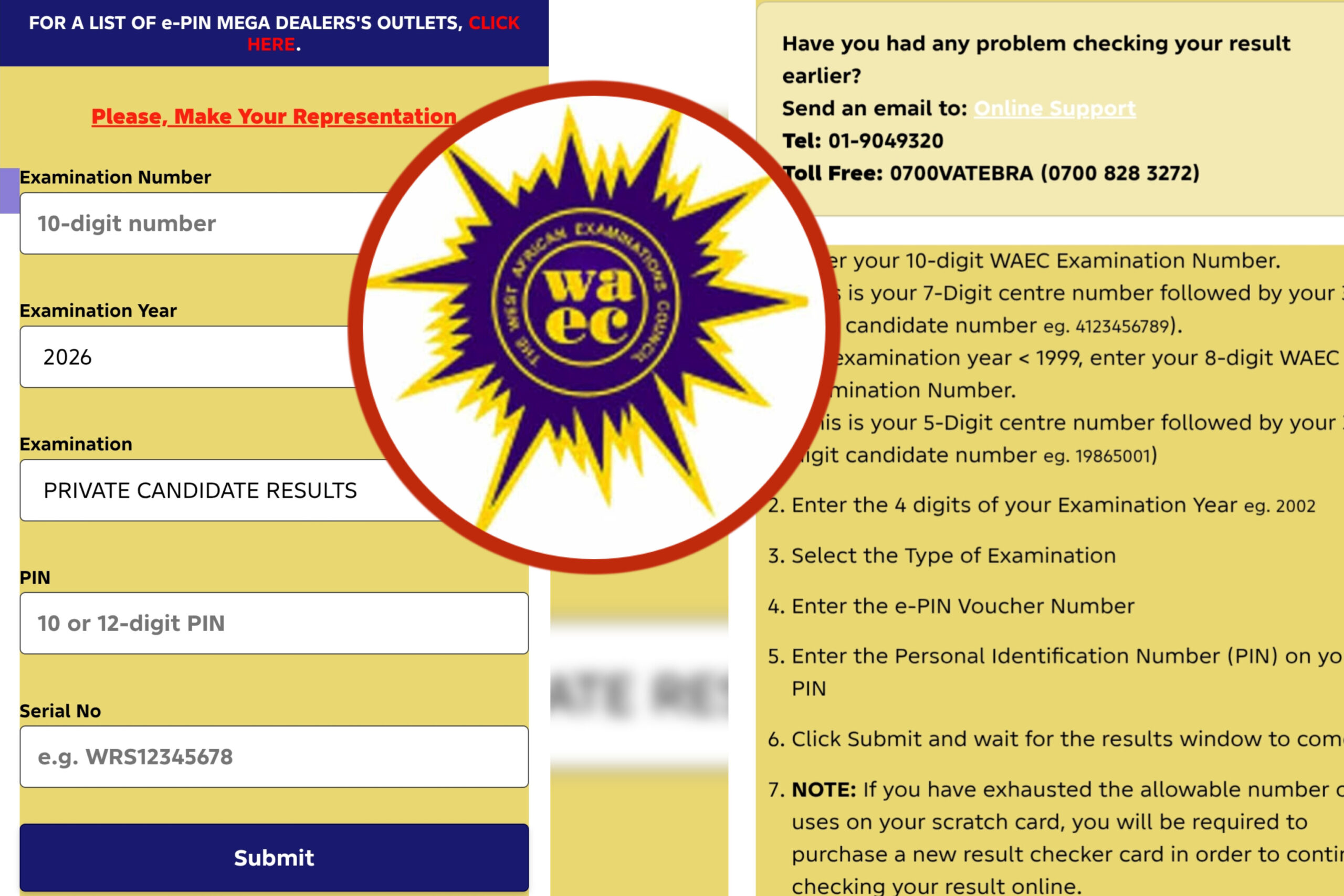
If you are preparing for the West African Senior School Certificate Examination (WASSCE), you will deal with the WAEC portals more than once. You will use them to register, to capture your biometrics, to print your admission notice, and finally to check your result. The problem is that WAEC does not run one single website for all of this. Different services live on different official addresses, and fr@dsters take advantage of the confusion every year.
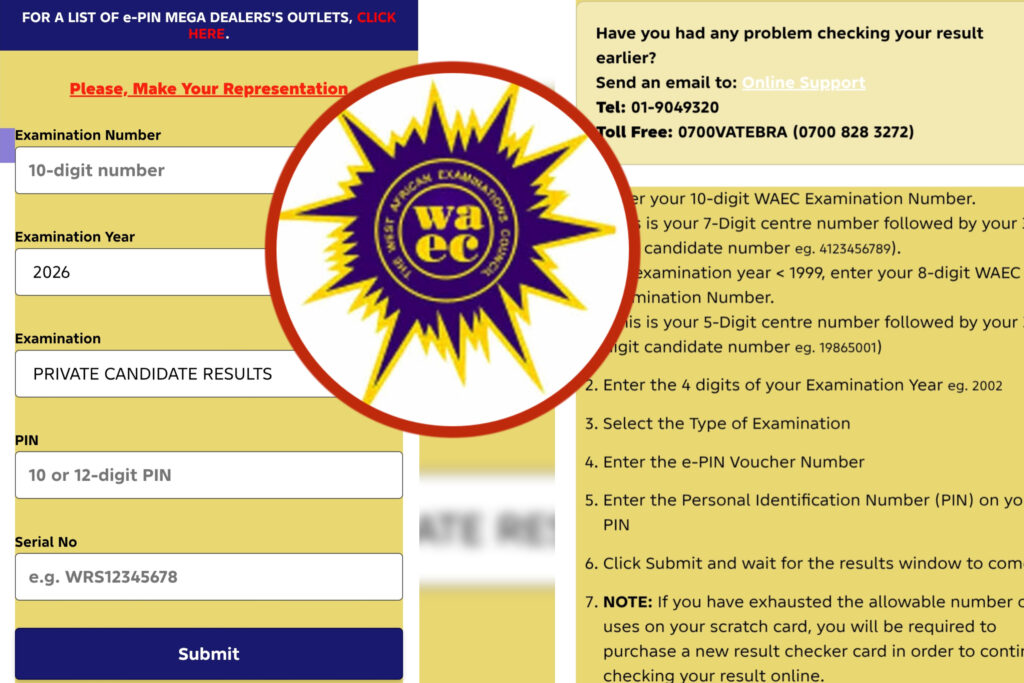
This guide explains the WAEC portal login for 2026/2027 in a simple language. It tells you which official website to use for each task, how school candidates and private candidates differ, how to get your result checker PIN, how to check your result step by step, and what to do when something goes wrong. Everything here is written for Nigerian candidates, although the general process is similar across West Africa.
Quick Facts: Which WAEC Website Do I Use?
Before going deeper, here is the short version. Always type the address yourself instead of clicking a link shared in a WhatsApp group or social media post.
- To generate or recover a result checker PIN and serial number: www.waec.org
- To check your WASSCE or GCE result: www.waecdirect.org
- To register as a private (GCE) candidate and complete your details online: www.waeconline.org.ng (after you obtain a registration PIN)
- For complaints, correction requests and other services: WAEC’s request management system at request.waec.ng
WAEC has publicly advised candidates to use only its official websites, namely waec.org for PIN generation and waecdirect.org for result checking, and to avoid unofficial result-checking services. That advice was repeated when the 2026 results were released on 5 August 2026.
What Is the WAEC Portal?
The West African Examinations Council (WAEC) is the body that conducts the WASSCE in English-speaking West African countries. When people say “WAEC portal,” they usually mean one of several official online platforms the council runs. Through these platforms, candidates can:
- Register for the examination
- Upload or confirm biometric details such as a passport photograph and fingerprints
- Select or confirm examination subjects
- Print an admission notice or acknowledgement slip
- Generate a result checker PIN
- Check examination results
- Request services such as certificate verification or corrections
“WAEC portal login 2026/2027” simply means using these services with the correct website, your own login details and the correct examination year. You do not need one universal username for everything. Each service asks for its own details, such as a registration PIN, an examination number, or an email address and password.
School Candidates vs Private Candidates
The most important thing to understand before touching any portal is which category you belong to. The two routes are handled very differently.
School Candidates (WASSCE for School Candidates)
School candidates are students who register through their schools, usually in SS3. The school does the heavy lifting:
- The school buys the registration PINs in bulk
- The school uploads candidate data and subject entries
- Biometric capture is organised by the school or through the arrangement the school has with WAEC
- Exams are written at the school’s assigned centre in the May/June series
If you are a school candidate, you do not register by yourself. Your role is to give accurate information (full name, date of birth, state and local government, and subjects) and to check the data when your school shows it to you. Spelling errors in your name or date of birth can cause trouble later with JAMB, universities and employers, so insist on checking every detail before the school submits it.
Private Candidates (WASSCE for Private Candidates, also called GCE)
Private candidates register by themselves. This group includes school leavers, people re-writing subjects, workers who want to improve their results, and candidates who need to combine results from different sittings. The examination is held twice a year, commonly known as the First Series (early in the year) and the Second Series (later in the year).
Recent changes are worth noting. According to reports on the 2026 cycle, WAEC has been moving private-candidate examinations toward a computer-based format, while school candidates continued with the paper-based format for the 2026 May/June series. If you plan to write as a private candidate, check the current WAEC announcement for the exact format, fee and deadlines of the series you want, because these details can change from one series to another.
Official WAEC Links for 2026/2027
Use this table as your reference. Bookmark the pages you need, and never trust a link that differs even by one letter.
| Purpose | Official website |
|---|---|
| Generate result checker PIN and serial number | www.waec.org |
| Check WASSCE/GCE results | www.waecdirect.org |
| Private candidate registration (after buying a registration PIN) | www.waeconline.org.ng |
| Request management (corrections, verification, other services) | request.waec.ng |
| General information and announcements | www.waecnigeria.org and WAEC’s verified social media accounts |
A note on older links: Some older guides, including earlier versions of this article, pointed to addresses such as registration.waecdirect.org and a /register/ page on the online portal. These links are no longer reliable. The current practice is to buy your registration PIN, then log in through the main online registration site at waeconline.org.ng and follow the instructions there. Always confirm on WAEC’s official announcement page if the address has changed.
Ghana, Sierra Leone, Liberia and The Gambia: Candidates outside Nigeria use their own national WAEC offices. For example, Ghanaian candidates check results on ghana.waecdirect.org, not the Nigerian page. Make sure you are on the portal for your own country.
How to Log In to the WAEC Portal
Because there are several services, the login steps depend on what you want to do. Here is the general approach that works for most of them.
Step-by-Step Login Guide
- Open a trusted browser such as Chrome, Firefox, Edge or Safari on your phone or computer.
- Type the official address for your task directly into the address bar (see the table above).
- Look for the login, sign in or start registration button on the page.
- Enter the details that service asks for. Depending on the portal, that may be your registration PIN, your examination number, or the email address and password you created.
- Submit the form and wait for the page to load.
If You Do Not Have an Account Yet
For services that need an account, such as the request management system:
- Choose the register or create account option.
- Fill in your personal details exactly as they appear on your documents.
- Use an email address you can access. WAEC sends important messages to it.
- Verify the email address through the link or code sent to you.
- Log in with your new details.
Keep Your Login Details Safe
Write down your registration PIN, serial number, examination number and passwords in a safe place. Do not share them with anyone, including agents who promise to “process everything quickly.” People who hold your PIN can use it, and you may lose access to your own record or result.
How to Generate Your WAEC Result Checker PIN and Serial Number
To view your result you need a result checker PIN and its serial number. WAEC says candidates can obtain these through its official portal. If you already bought a scratch card, you will find both on the card. If you misplaced them or prefer the electronic option, you can generate them online.
Ways to Get a Result Checker PIN
- Through the official WAEC online platform (the e-PIN route)
- At WAEC offices
- At accredited banks
- Through approved vendors
Prices change from time to time, and several websites quote slightly different amounts. At the time of writing, reports put the result checker PIN at roughly ₦5,400 to ₦5,500 depending on the vendor, but you should confirm the current price on the official platform before paying. If anyone asks for a much higher amount, treat it as a warning sign.
How to Generate Your PIN Online
- Go to www.waec.org using your browser.
- Select the option to buy or generate a result checker.
- Choose the correct examination type (school candidate or private candidate) and the year.
- Enter the details requested, such as your examination number and contact information.
- Pay using the payment options shown on the official page.
- Save or screenshot the serial number and PIN you receive. Also check your email and SMS.
A single result checker PIN can normally be used a limited number of times, commonly five, on the same result. Once you have viewed your result, take a screenshot and download or print a copy so you do not use up your attempts unnecessarily.
How to Check Your WAEC Result Online
The 2026 WASSCE results for school candidates were released on 5 August 2026, and results for private candidates follow their own timetable after each series. The process for checking is the same each time.
What You Need Before You Start
- Your 10-digit examination number (the 7-digit centre number followed by your 3-digit candidate number)
- The examination year
- The examination type (school candidate or private candidate)
- Your result checker serial number
- Your result checker PIN
- A phone, tablet or computer with a stable internet connection
Step-by-Step Guide
- Open your browser and type www.waecdirect.org into the address bar.
- Enter your 10-digit examination number.
- Select the correct examination year from the dropdown list.
- Choose your examination type: school candidate or private candidate.
- Enter your result checker serial number.
- Enter your result checker PIN carefully.
- Click the submit or check result button.
- Your result will display on the screen. Take a screenshot and save a PDF copy if the portal allows it.
If all details are correct and the result has been released for your series, it should appear within seconds. If it says the result is not available, check the section on common problems below before assuming something is wrong.
What Your Result Contains
Your result normally shows your name, examination number, subjects written and the grade for each subject. WAEC uses grades from A1 down to F9. Grades A1 to C6 are credit passes, which are the grades most universities and employers look for. A result with grades such as “AR” (awaiting result) or withheld outcomes means the council is still processing or reviewing that subject.
Other Ways to Check Your Result
Besides the main website, candidates have reported other options during result releases:
- WAEC Result Checker mobile app. Official announcements this year have referred to a result checker application. Download it only from the official app store listing, and confirm the developer name before installing.
- SMS checking. Some releases have supported checking by text message, with standard network charges applying. The exact format can change, so use only the format published on WAEC’s official channels, not one forwarded by a stranger.
- Your school. School candidates can also ask their school to confirm results, which is useful if the portal is busy.
Whichever method you use, the safest rule remains the same: rely on instructions from waec.org, waecdirect.org and WAEC’s verified social media accounts.
How to Register for WAEC as a Private Candidate (GCE)
Private candidates must complete registration themselves. The details below describe the general flow. Fees, closing dates, subject lists and exam format change by series, so always read the latest official notice before you pay.
Before You Begin
Prepare these items so you do not get stuck halfway:
- A working email address and phone number
- A clear passport photograph that meets WAEC’s requirements (plain light background, face clearly visible, no caps or sunglasses)
- Your personal data exactly as on your birth certificate or other valid documents
- Your list of subjects, including the compulsory ones
- Money for the registration fee, and a little extra for bank or service charges
Private candidates typically must take compulsory subjects such as English Language, Mathematics and Civic Education, plus other subjects of their choice up to the maximum allowed. Check the official list for the current series.
Step-by-Step Registration Process
- Read the official notice. Find the announcement for the series you want (First Series or Second Series) on WAEC’s official website and note the fee, closing date and examination towns.
- Buy your registration PIN. Pay through the official channels, which usually include the online payment platform, accredited banks and WAEC offices. Keep the receipt.
- Go to www.waeconline.org.ng. Choose the option to start registration as a private candidate.
- Enter your registration PIN and the other details requested.
- Fill in your personal information. Use the exact spelling of your names and your correct date of birth.
- Select your examination town or centre. Choose a location you can reach easily.
- Select your subjects. Double-check the combination, because correcting errors after the deadline can be difficult or impossible.
- Complete biometric capture. Visit an approved capture point such as an accredited cyber café or registration point to have your passport photograph and fingerprints captured.
- Review everything. Read through all the data on the summary page before final submission.
- Submit and print. Submit the form, then print or save your acknowledgement slip.
- Print your admission notice later. WAEC typically releases admission notices a few weeks before the examination. Log in again, download it and print at least two copies.
Walk-in Registration
WAEC has in the past offered a “walk-in” registration window that opens after the normal registration closes, at a higher fee. If you miss the normal deadline, check whether walk-in registration is available for your series. Do not count on it, because it is not guaranteed.
Practice for Computer-Based Tests
If your series uses a computer-based format, practise beforehand. Familiarise yourself with using a mouse, navigating questions, flagging items and managing time on a screen. Many past-question platforms and mock tests can help you get comfortable before exam day.
What School Candidates Should Do
If you are in SS3 and registering through your school, here is a short checklist:
- Confirm with your principal or exam officer that your school is registered with WAEC for the series.
- Provide your accurate personal details and subjects early.
- Ask to see your captured biometric and personal data before submission.
- Confirm your subject combination matches your intended course of study. For example, if you plan to study Medicine, make sure Biology, Chemistry, Physics, English Language and Mathematics are all included.
- Keep your examination number safe once it is issued.
- After the exam, wait for the official result release announcement, then generate your PIN and check the result yourself.
Choosing the right subject combination matters. Science students generally take subjects like Physics, Chemistry and Biology. Arts students may take Literature in English, Government, CRK or IRK, and History. Commercial students often take Accounting, Commerce, Economics and Business-related subjects. Whatever your track, English Language and Mathematics need credit passes for almost every university programme.
Documents and Information to Prepare
Having everything ready saves hours of stress. Prepare the following:
- Passport photographs in digital format
- A valid email address and active phone number
- Birth certificate or declaration of age for date of birth confirmation
- Previous WAEC or NECO result details if you are combining or re-writing
- Your NIN, if requested during registration or later for other processes
- Payment receipts and registration PIN
Store digital copies on your phone or email so you can retrieve them quickly.
How to Avoid Fake WAEC Websites
Every result season, fake sites appear that look almost identical to the real ones. They collect your PIN and personal details, or charge you for “early results” or “guaranteed upgrades.” Protect yourself with these habits:
- Type the address yourself. Do not click links from social media, WhatsApp groups or unknown emails.
- Check the spelling. A fake site may use something like “waecdirect.com” or add extra words or hyphens.
- Look for the secure padlock in the address bar, although this alone does not prove a site is genuine.
- Never pay for “early” or “upgraded” results. WAEC does not sell grade changes, and no agent can legally alter your result.
- Do not share your PIN. Share it with no one, not even people who claim to work for WAEC.
- Confirm announcements on WAEC’s verified social media accounts and official website before acting on any news.
- Be careful with apps. Install only the official application and check the publisher name.
If you suspect fraud, report it to WAEC through its official contact channels and, if money was lost, to the police or relevant cybercrime unit.
Common WAEC Portal Problems and Solutions
1. “Invalid Examination Number”
Fix: Check that you entered all 10 digits with no spaces. Make sure you did not swap the centre number and candidate number. Confirm the number from your admission notice or your school.
2. “Result Not Found” or “Result Not Available”
Fix: Confirm that you selected the correct examination year and type. School candidate and private candidate results are separate. Also confirm the results have actually been released for your series and that your school or centre has not been affected by a delay or review.
3. “Invalid PIN or Serial Number”
Fix: Re-enter them slowly. Watch for the letter O versus the number zero, and the letter I versus the number one. If you bought a scratch card, scratch gently so you do not damage the digits.
4. “PIN Already Used” or “Usage Limit Reached”
Fix: A checker PIN has a limited number of uses. If you have exhausted it, you may need to buy a new one. If you did not use it, the PIN may have been sold twice or used by someone else, so contact WAEC through the official request portal with your proof of purchase.
5. Portal Not Loading or Very Slow
Fix: Result days bring heavy traffic. Try again late at night or early in the morning, clear your browser cache, switch from mobile data to Wi-Fi, or try another browser. Avoid refreshing repeatedly.
6. Wrong Subject Combination or Wrong Personal Details
Fix: Contact WAEC immediately through the official channels. For private candidates, corrections are usually only possible within a specific window. School candidates should speak to their school exam officer first. After results are released, corrections of names or dates of birth go through a formal correction process that needs supporting documents.
7. Missing Subject or Withheld Result
Fix: Speak to your school or centre first. Sometimes a subject is withheld pending an investigation or because of an entry problem. Follow up through the official complaint process if it does not clear.
8. Payment Made but No PIN Received
Fix: Check your email spam folder and SMS. Keep the transaction reference. Wait a short while, then contact the platform’s support with your payment proof.
Tips for a Smooth WAEC Experience
- Start early. Do not wait for the last day of registration.
- Use one email address and one phone number for everything, and keep both active.
- Take screenshots at every stage of registration and payment.
- Double-check names, date of birth, subjects and examination town before final submission.
- Download and print your admission notice early and keep copies.
- After the result is out, save it as a PDF and keep it in cloud storage.
- If you need your result for admission, learn how to upload it to the relevant portal, such as the JAMB result upload process, and do so before the deadline.
- Prepare seriously. A smooth registration is only the first step. Past questions, syllabus review and timed practice make the real difference in your grades.
Frequently Asked Questions
Is the WAEC portal login free?
Accessing the websites is free. However, registration, result checker PINs and some other services require payment. Always pay through official channels.
Can a school candidate register for WAEC alone?
No. School candidates are registered by their schools. Only private candidates register individually.
What is the difference between WASSCE for school candidates and GCE?
School candidates write the main May/June examination through their schools. The GCE, now officially called the WASSCE for Private Candidates, is for individuals who register by themselves and is held twice a year.
Is the WAEC GCE certificate the same as the school certificate?
Both lead to the same type of certificate, the West African Senior School Certificate, and both are generally accepted for admission and employment. Always confirm any specific requirements with the institution you are applying to.
Which website do I use to check my WAEC result?
Use www.waecdirect.org. Generate your PIN and serial number at www.waec.org if you do not already have them.
How many times can I use a WAEC result checker PIN?
A PIN can typically be used a limited number of times, commonly up to five, on the same result. Save a copy of your result after the first successful check.
Can I check my WAEC result on my phone?
Yes. The result portal works on smartphones, tablets and computers. There is also an official mobile app, which you should download only from a trusted store listing.
What if I forgot my PIN or serial number?
You can recover or generate a new one through the official WAEC platform at www.waec.org, using the details on your record.
My result is not showing. What should I do?
Confirm that results are out, then double-check your examination number, year, exam type, serial number and PIN. If it still fails, contact your school or WAEC through the request management system.
Can I change my subjects after registration?
Usually only within the correction window announced for the series. After the deadline, changes are very difficult, so be careful at the time of selection.
How long does WAEC take to release results?
School candidate results are normally released a few weeks after the examination ends. In 2026 they were released on 5 August. Private candidate results follow later, depending on the series.
Can WAEC results be upgraded or changed for a fee?
No. Anyone claiming they can upgrade your grades is a scammer. The only legitimate processes are official corrections of errors or a formal review through WAEC.
Conclusion
Understanding the WAEC portal login for 2026/2027 saves you time, money and worry. The key points are simple. Know whether you are a school candidate or a private candidate. Use waec.org to generate your result checker PIN, waecdirect.org to check your result, and waeconline.org.ng to complete private-candidate registration. Type the addresses yourself, ignore anyone selling “early” results or grade upgrades, and keep your PIN and personal details private.
WAEC fees, deadlines and procedures can change between series, so treat this guide as your starting point and confirm the latest details on the council’s official channels before you pay for anything. If you are stuck at any stage, drop a comment below and we will do our best to help. Share this guide with friends and family who are also preparing for the examination.
We wish you success in your examinations.